Droid Builder
Extra Projects & Event Page's
- Home
- Trading Card Dispenser (version 2) - TCD [2020/2022]
- Trading Cards
- R5-D4's ....Bad Motivator development
- R5-D4 - silver neck details
- R4-D4 - Dome [wood build]
- R0-D4 Dome [wood build]
- 3D Printing - Star Wars stuff
- *** Star Wars Shoes ***
- Event: Droids @Mshed Bristol 2026
- Event: Droids @Mshed Bristol 2025
- Event: Droids @Mshed Bristol 2024
- Event's 2018
- Event's 2017
- Event 2016 - "Celebration Europe"
- Event's 2015
- Event 2014 - Chippenham Sci-Fi
- R5-D4 - events page - The beginning (2013)
- ** R5-D4 patch **
- R5-D4 Photos
- Costume for my Son - Han Solo -
- Costume for my Son - Boba Fett
- Droid Caller - Han Solo style
- Scanning Crew Container - Transmitter Storage Box
- Stormtrooper - me
- Rogue One - trading card storage box
- Rogue One
- Jabba’s gate prop for Celebration 2023
- GOUD-4 Messenger Droid - Solo ASWS
- Treadwell Droid - WED-15-77
September 14, 2022
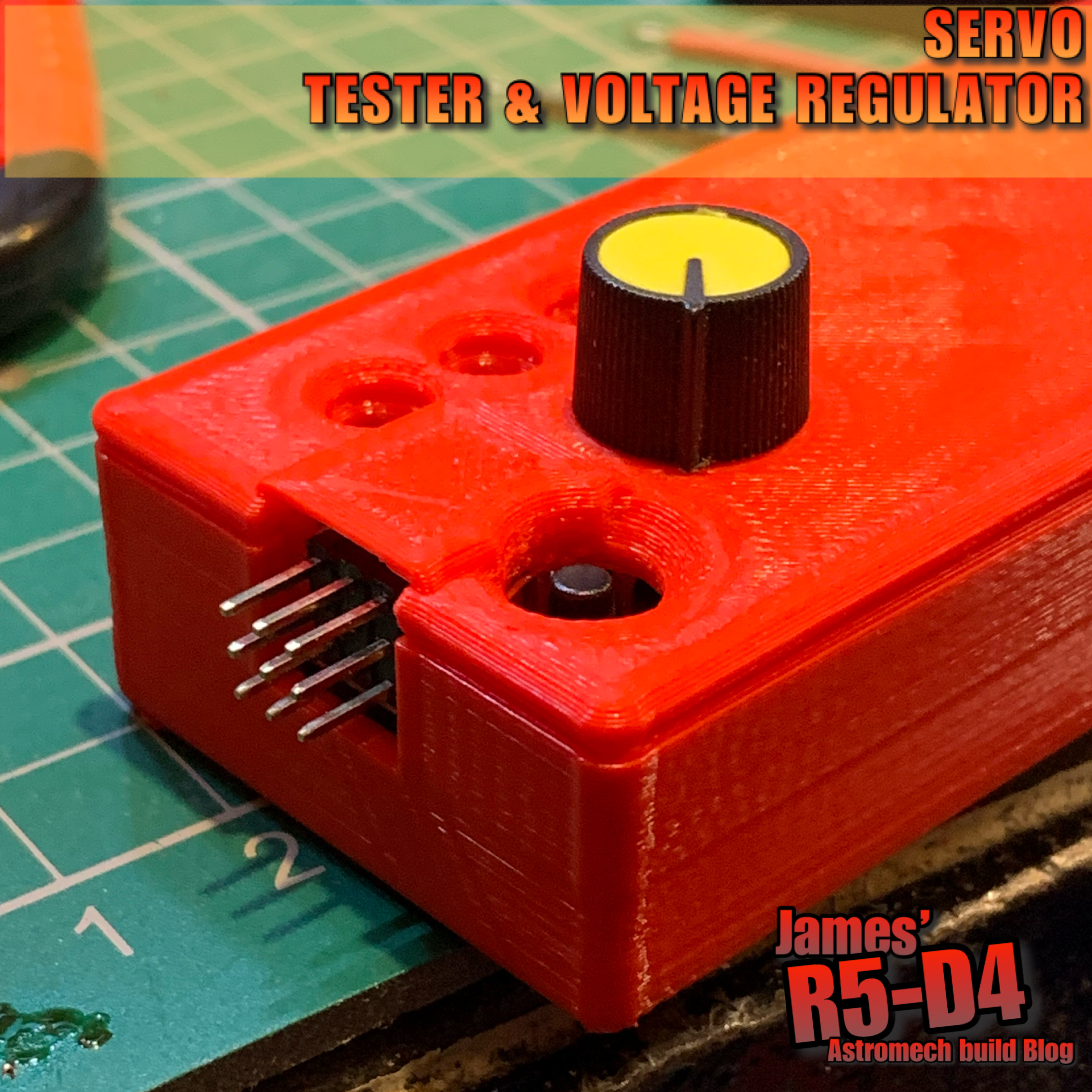
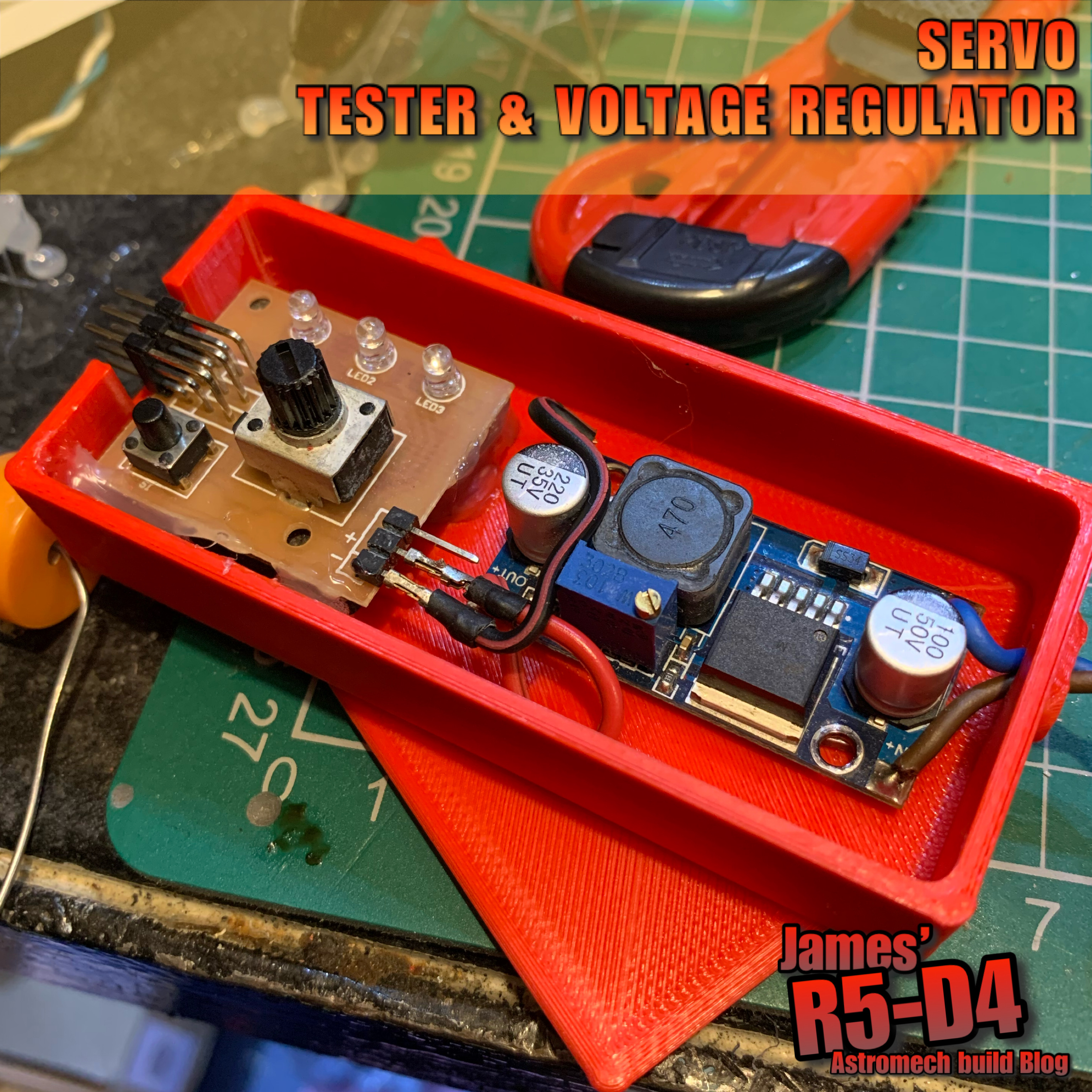
Servo Tester + voltage regulator…..box
November 20, 2021
3D printing: SD card Sound board holder
- The amp bracket
- The voltage regulator bracket
October 05, 2020
Teeces LED work for Mike's dome [August 2020]
27th August 2020
A few weeks back I was asked to help wire up a set of Teeces LED light and add some LED's to illuminate the Holo Projectors x3.
I fitted a voltage regulator to drop the volts down to 5v.
I did some updates to the LED holder, now that the 3D printer is better than the previous one lol and also upgraded the bearing holder.
The bearing holder, is designed to be shaped with a file to be a tight fit into the rear opening of the Holo Projectors eye. The whole unit acts as a slip-ring arrangement, allowing the LED's to be connected and lite, but also allowing the Holo Projector to fully 360 degree free movement, without worry of 'Holo wire twist & break'!
Mike's dome only has two moving Holo Projector's, so these received these units. The third Holo is static. Nect up was installing them into his dome.
Next up is to finish installing the power cables, the Teeces units & connecting up the power switches.......
And some pics of LED's illuminated.
Mike was kind enough to make this new tool storage box sticker, nothing wrong with the original lol, but hay....everyone should have their name on their tool box.
May 14, 2020
Sounds for droids 2020 - upgrade 1.4
OTHER WORK
Since then I've been working on creating 3D printable enclosures to house all the pieces.
Sorting out the orientations of them so will post up once done.
April 28, 2020
Sounds for droids 2020 - upgrade 1.3
Rewind a week to the issues I had trying to upload the sounds to the board. I had just grabbed a usb cable I thought I had used before to connect the board to the laptop, but it wouldn’t connect???
After numerous attempts and system checks, I realised the cable was a power one not a power/signal one. Swapped cables and instantly problems solved lol.
After testing the sounds using my phone, i needed to actually test with the sound board. So after some wire soldering/connections, the board, amp, speakers where connected. I had ordered a potentiometer as a volume control, but it still hasn’t come, so I dug out a broken large servo and used the pot out of it. Quick YouTube/internet search, and it was soldered up according.
This might look like a mess lol, but it was only for the purpose of taking the pic.
I opened up the ground loop unit to be able to connect up the speaker wires.
The amp uses 12 Volts, but the sound board runs 3-5 Volts, so has a mini voltage regulator [just seen in picture above it],
The sound output was great! And even more so, when I adjusted the 'volume' via the potentiometer, so much so that the wife told me to turn it down! :D
This new amp was originally going to be used as a separate sound unit for in R5's dome, but I think I might keep it for his main sound setup and get another [possibly] for the bad motivator dome setup.
Here's a size comparison between the two amps:
Tuesday 28th and the potentiometer arrived in the post...
January 10, 2020
Electrical system update for 2020
So I’ve decided to make life easier by streamlining the electrical layout & re-positioning the switches to a more accessible location.
Below was the electrical board original position.
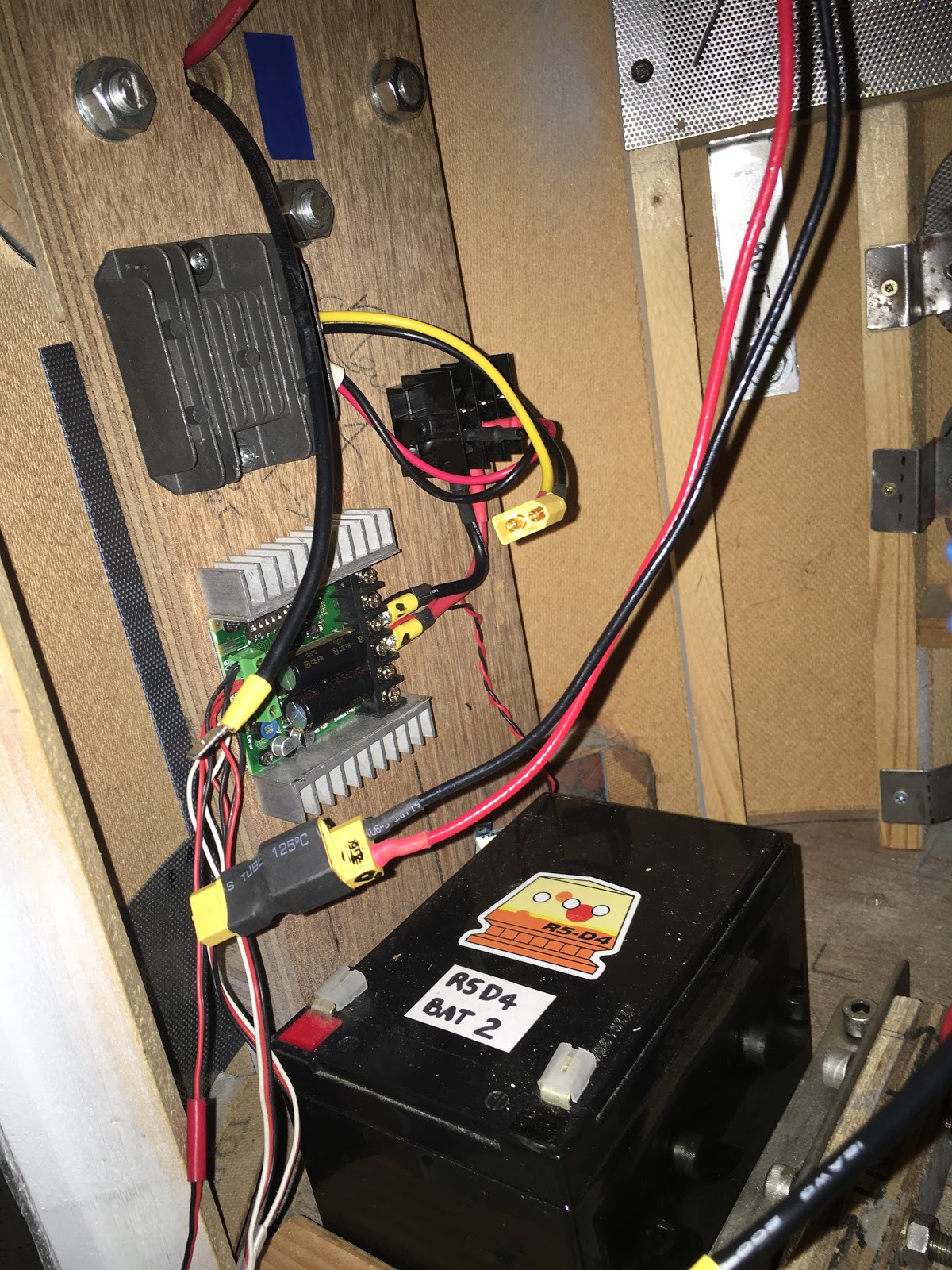
I have already taken out the electrical board that was fitted to the crossbeam and uninstalled the components, Sabertooth speed controller, voltage reducer, distribution power block and switches.
Next up was to test fit the components to the side wall.
The two switches are going to be relocated into the skirt recess. As the wood base is 18mm thick, I need to cut out a piece large enough for the main body of the switch to fit inside. And these will then be secured to a new blanking plate. In this case, a piece of Perspex.
I marked a position suitable and chain drilled holes for the opening.
The last corner I had to grab a saw blade to trim it square.
I made a start on cleaning up the edges. And as I had to finish up, made a template out of cardboard to get an idea of the size required.
Switch mounting plate:
Here I test fitted one of the switches with the 'kill switch' cover.
Happy to say that the skirt is deep enough not to be able to see the cover when it's in it's open position.
November 28, 2019
Another mini project 1.3 - ‘Trading Card Dispenser’
Monday I started to design up a 'box' to put the electronics in for ease. This was drawn up in AutoCAD Inventor. In my last post regarding switch relays, it had given me an idea on how this could also apply to this project.
'switch' - update:
I printed a lower plate that the switch could fit into. I wired a switch to activate an LED when the pressure was released.But the pressure required to keep the switch down wasn't achievable, so I'll have to think of another position to locate a switch.
Back to the electronics box:
After a few redesigns and only a few actual test 3D prints, I'm really happy with the finished box. Here's my instagram post picture.
Really please that the two clips I designed actually work [on my second test print lol]. It's the fine tuning of the sizes, plus here, minus there so that the tolerances fit when they come together.
Ultimaker Cura image on the printer plate
And here's the soldering up of the components that will fit inside it.
This version is for my first attempt, but this could be customised to by controlled by other methods. In the above picture, you have the 'remote control' [bottom left], a 'timer relay' [top orange box] and a 'micro voltage regulator' [right]. Not shown in this picture will be an LED to indicate power. At some point I want to fit another [probably a remote LED] to indicate via the micro switch.
November 21, 2017
R4-D4 Dome work progress 2.3
Panel 5 received a PVA wash, rasp work to take off the edges and sanding with paper (repeat until smooth). Wood filler was then applied, then once dried, this was sanded smooth.
Then it was onto the last curved panel. Trimmed it to fit along its edges (the clamped edge), then glued and clamped into place. First side.
Once dried, I glued the second edge down and then trimmed off the excess along the bottom edge. Then it was back onto rasp file work, and sanding smooth.
Friday I glued up the first edge of curved panel no6, I took the dome home and at the weekend I was able to finish glueing the second edge. Then a PVA wash and some wood filler, ready for work on Monday.
After sanding the filler and wood smooth, I gave the whole dome a spray with primer/filler.
Then on the lunchtime, I gave the whole dome a smooth sanding.
This process helps pickup areas that need small amounts of wood filler.
I also started on making the lid.
April 27, 2017
Control Panel upgrade 1.0 (2017)
With the new addition of the SyRen10 dome speed controller, I wanted the main control panel to be self contained. As I originally (due to time/space) had the 24v to 12v converter mounted on the sound board.
I wanted it tho to be independent, so with the panel out of R5's body, I got to work on re-working the layout to fit it all on.
So connectors came, heat shrink, cables & terminal block too. Any free time I spent on cutting, soldering (all connectors, non of this crimped stuff going on here!) then heat shrinking everything in sight lol.
Found a double sided sticky pad, for the transmitters receiver, to mount it on the panel.
May 09, 2016
Bad Motivator - electronics/electrical work UPDATE 2
![]() |
| excuse the hanging regulator, [mid left] this was just a wired up to test |
Then I connected up the slip ring into the circuit, all good still.
Next, I connected up the door actuator ......and it didn't work properly!
Then realised I was using the old one.....so swapped it for the new one and, YES, it works. No fluttering! So I now know the old actuator is broke, cause tho??? We'll see how long this new one lasts.
~~~
Sunday I fitted R5's dome onto his body and re-tested everything.
Test one, motivator and smoke system work perfectly.
Test two, again, all works.
Test three......smoke yes, actuator not so great!?!?!
It activated and moved a little, but then stopped, not completing it's full travel.
And it also felt warm, need to look into this further.....